
This post demonstrates the Minimal Mistakes feature_row include helper.
Default Feature Row
Using `
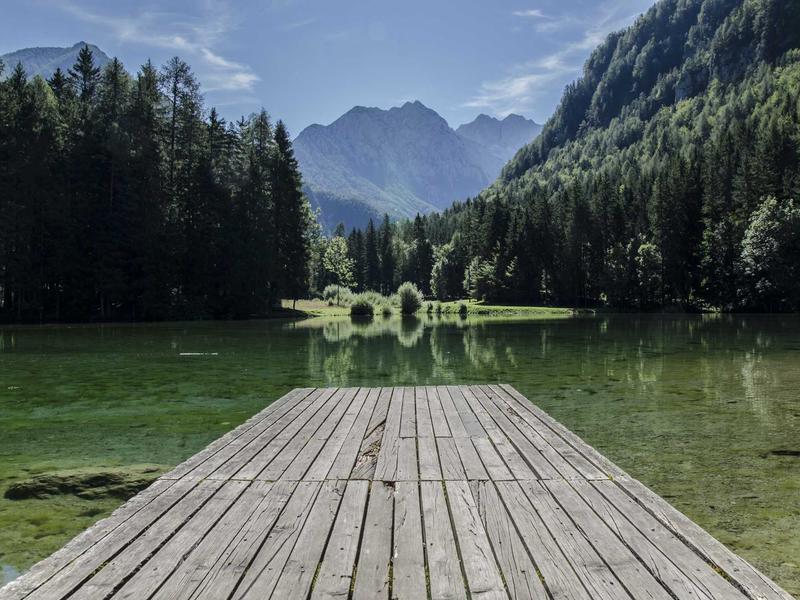
Mountain Adventure
Explore rugged peaks and serene valleys. This feature block uses the default alignment with an image, title, and excerpt text.

Desert Expedition
Vast dunes stretch to the horizon. This block adds a call-to-action button that links to an external resource.

Urban Explorer
Discover hidden corners of the city. A third feature block demonstrating how content wraps neatly in a row.
` renders the feature_row YAML array as three columns:
Mountain Adventure
Explore rugged peaks and serene valleys. This feature block uses the default alignment with an image, title, and excerpt text.
Desert Expedition
Vast dunes stretch to the horizon. This block adds a call-to-action button that links to an external resource.
Urban Explorer
Discover hidden corners of the city. A third feature block demonstrating how content wraps neatly in a row.
Centered / Single Feature Row
Using type="center" centers content. Let’s show just the first item with centered layout:

Forest Walks
Lush greenery and peaceful trails — a second row using a different YAML key (feature_row2).
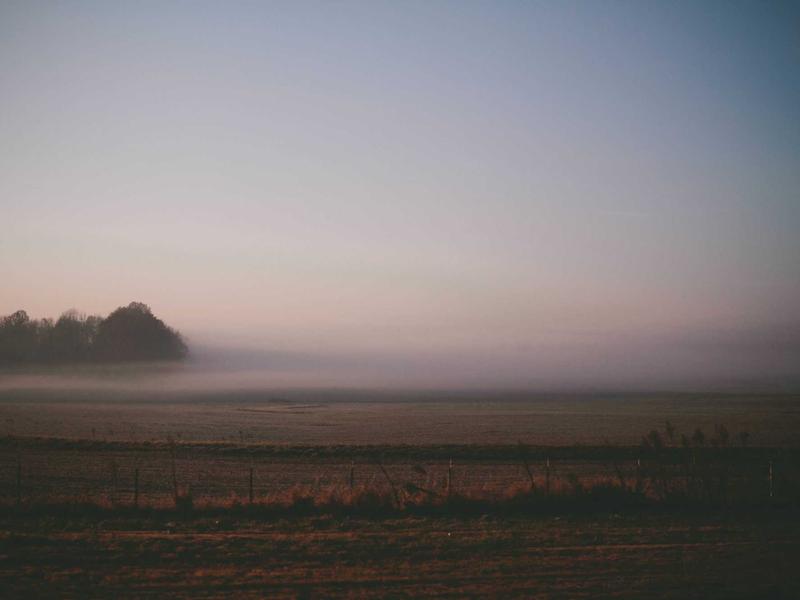
Coastal Vibes
Endless waves crashing on golden shores. No button here, just pure content.
Feature rows are ideal for splash pages, landing sections, or any grid-based layout with images, text, and calls to action.